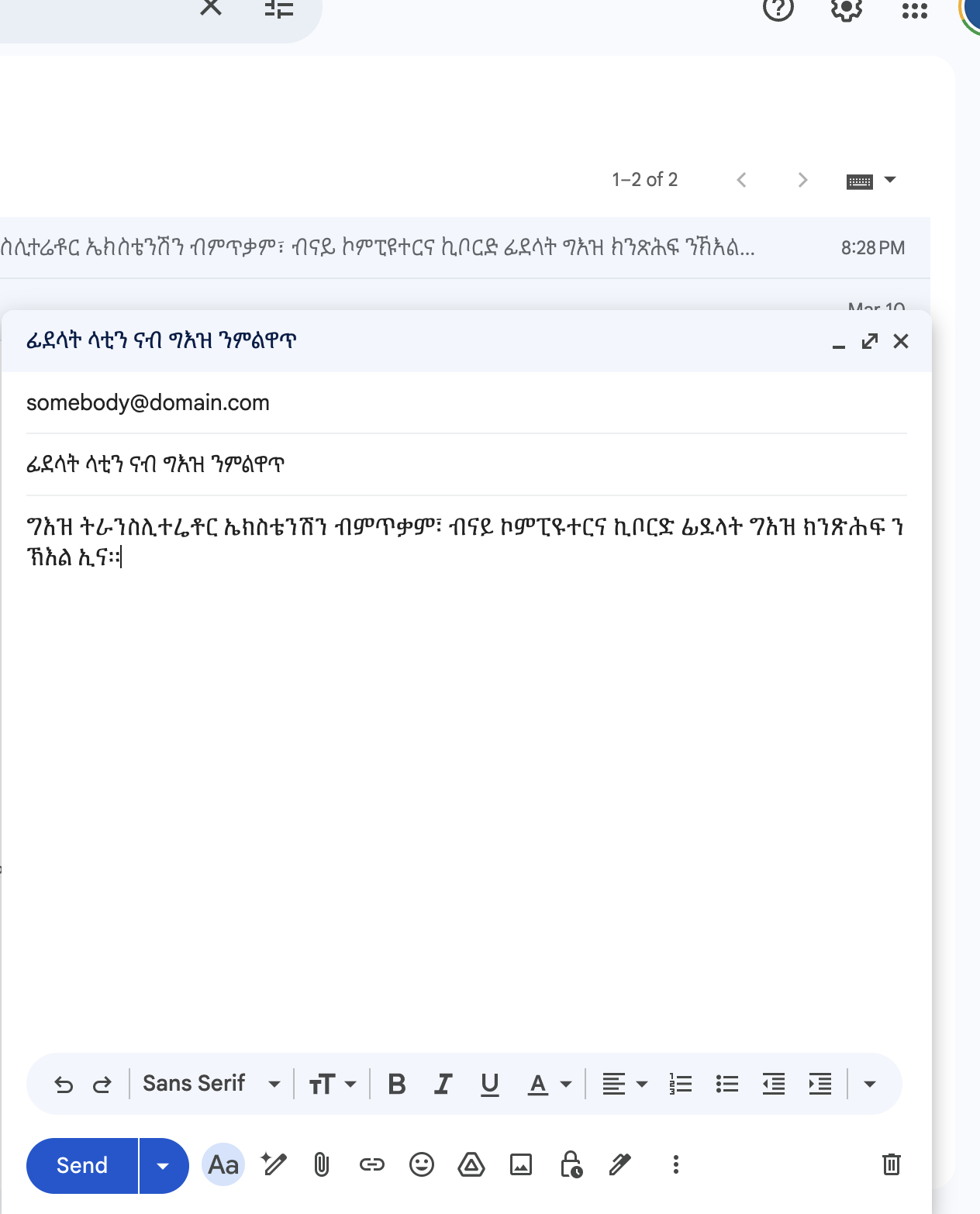
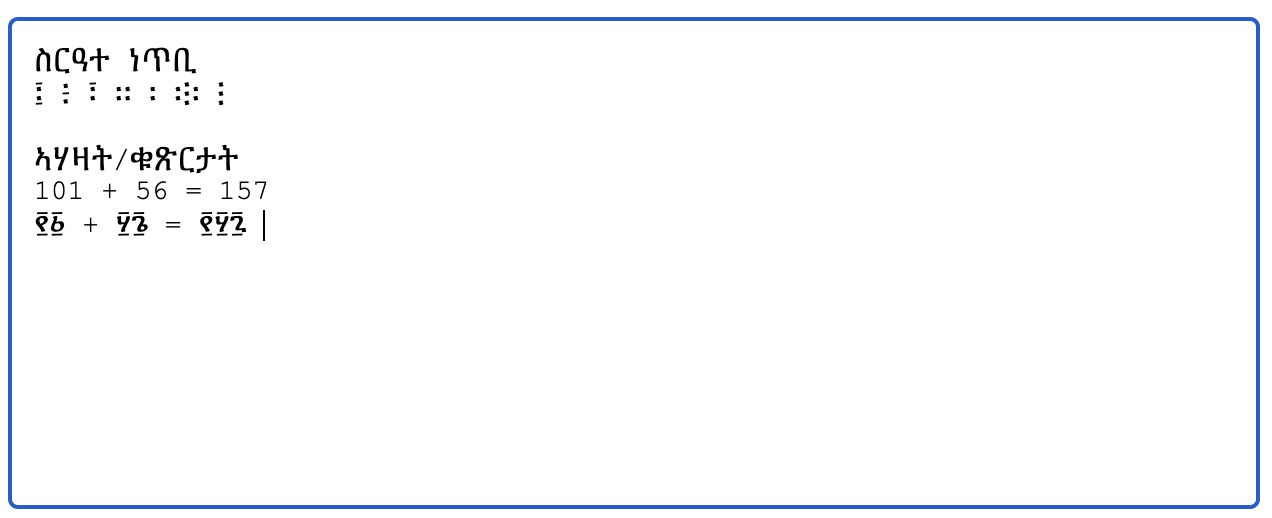
Ge'ez Transliterator lets you type Ge'ez script directly on the web using Latin-letter input. It works inline while you type in supported editable fields, including text inputs, textareas, and rich-text editors.
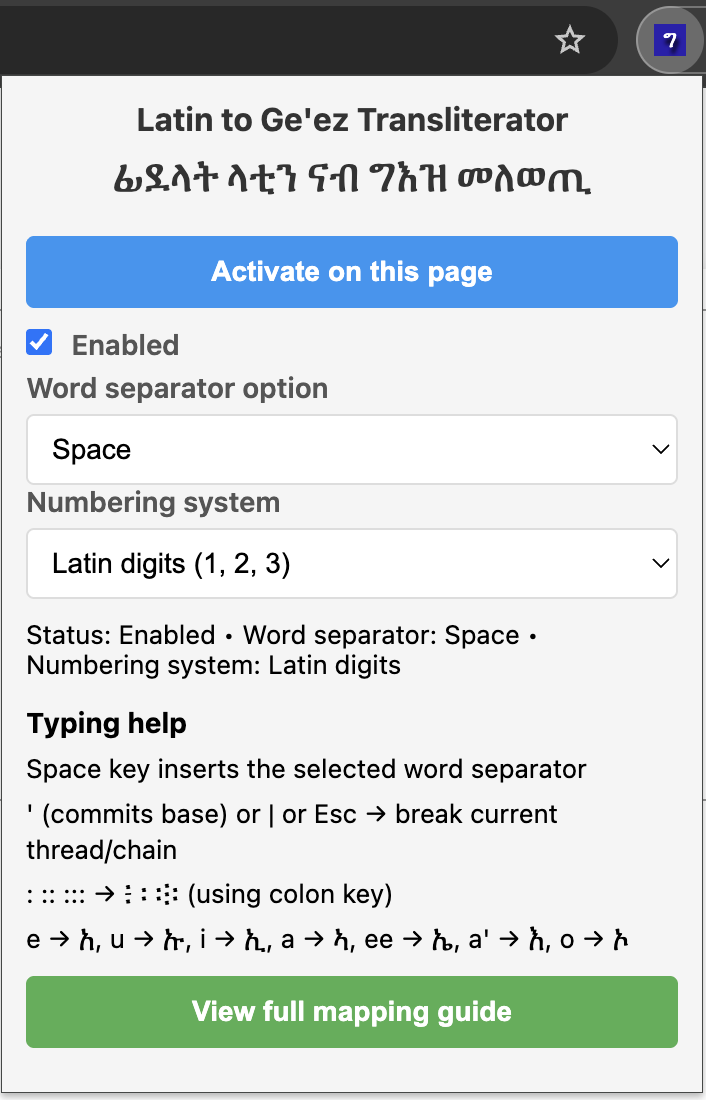
The extension can be activated per page, and once active it stays available on reload for that tab. It includes a popup for quick control of activation, enabled state, word separator behavior, and number output style.
Key Features:
- Inline Latin-to-Ge'ez transliteration
- Support for text inputs, textareas, and contenteditable editors
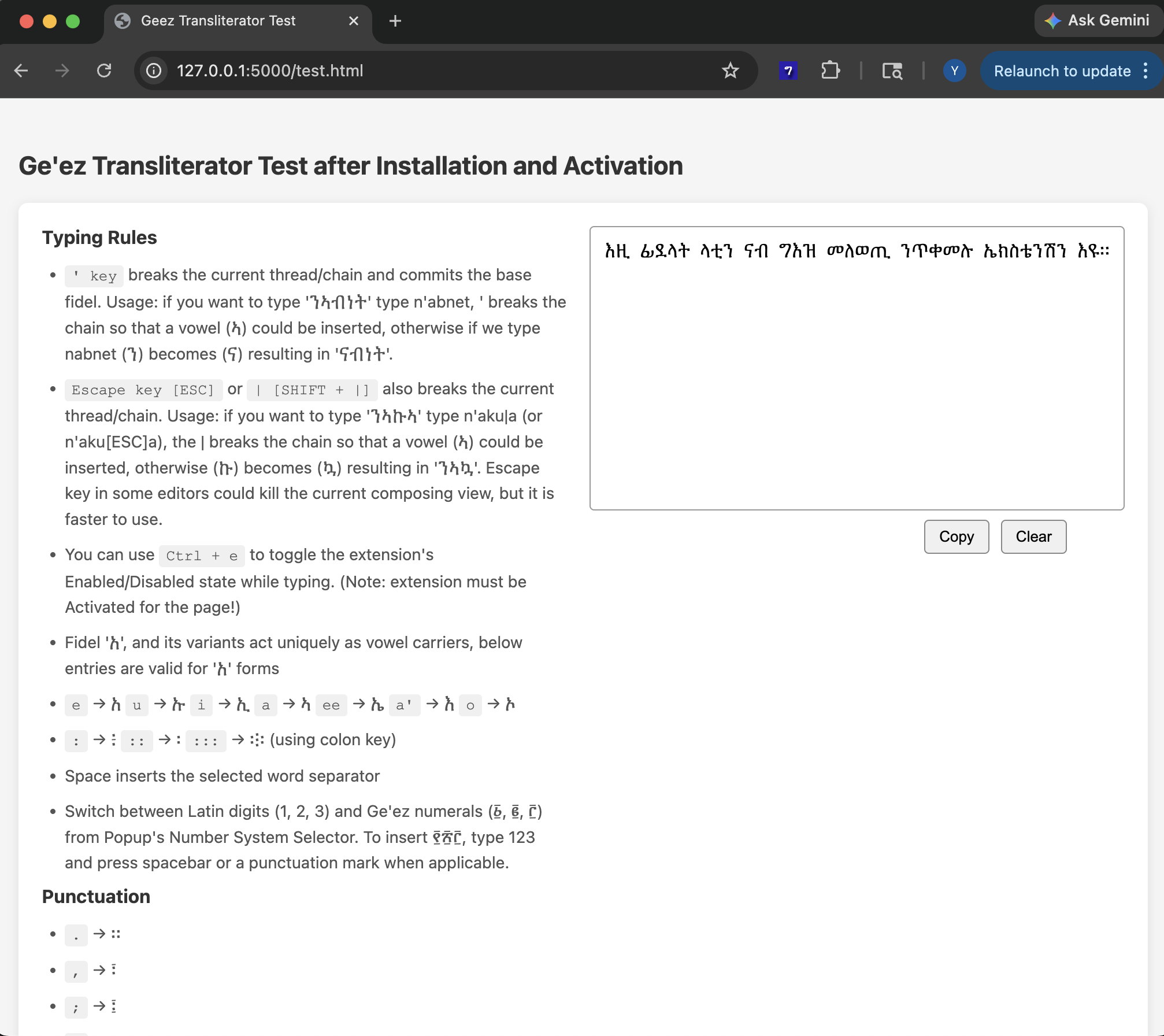
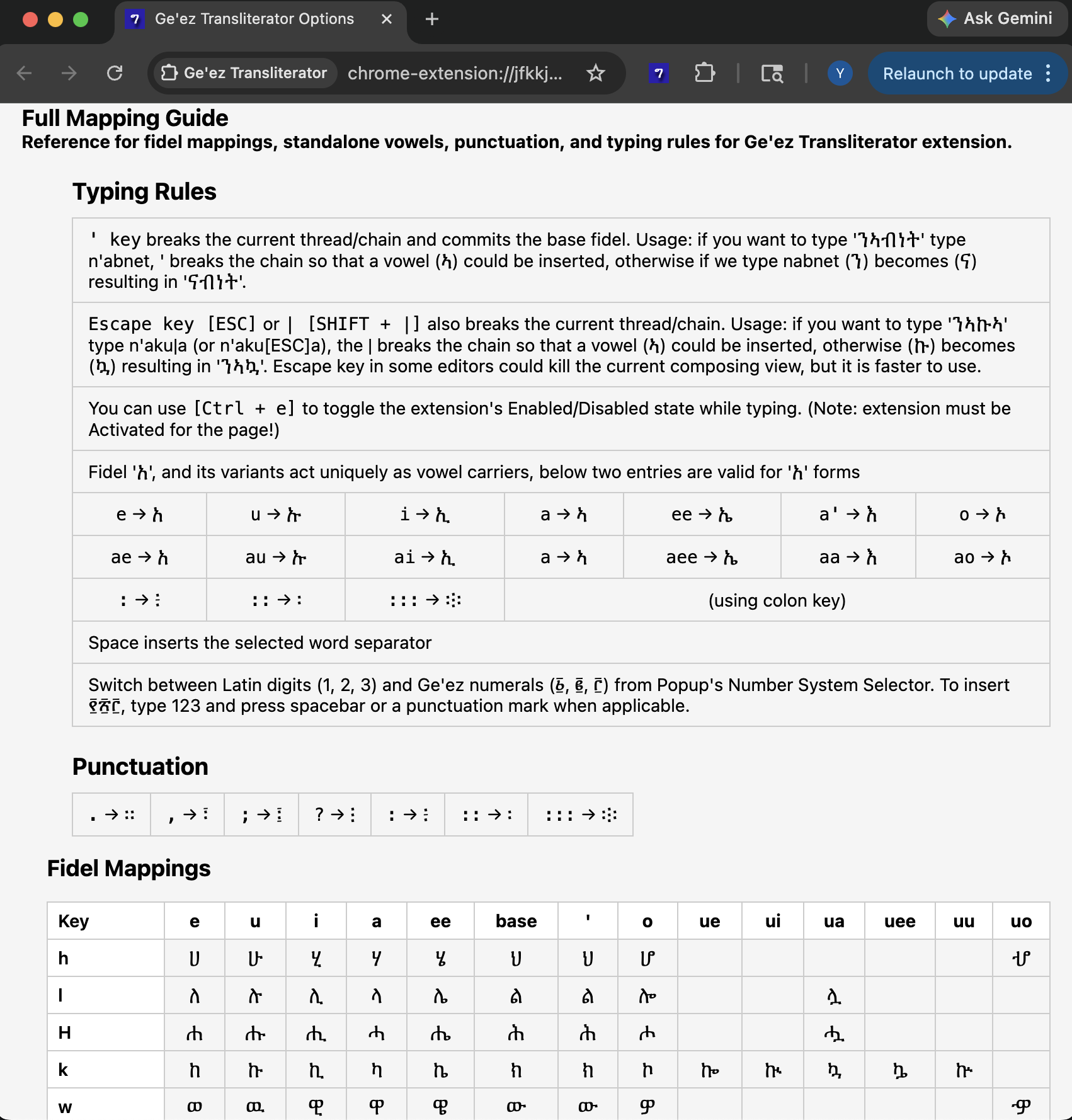
- Fidel 'አ', and its variants act uniquely as vowel carriers, below entries are valid for 'አ' forms
e→ አu→ ኡi→ ኢa→ ኣee→ ኤa'→ እo→ ኦ- Punctuation mapping
.→ ።,→ ፣;→ ፤?→ ፧:→ ፥::→ ፡:::→ ፨- Word separator selection, including Ge'ez word separator options
- Optional Ge'ez numeral conversion for typed digits
- Keyboard toggle with `Ctrl + e`
- Thread-breaking keys using `'` [Apostrophe , commits base fidel], `|` [Pipe], or `Esc`
- Full mapping guide on the Options page
How to Use Ge'ez Transliterator
1. Install and enable the extension on your browser.
2. Open the extension popup.
3. Click Activate on this page.
4. Type using Latin letters in a supported field.
5. Use the popup to switch between Latin digits and Ge'ez numerals, or to choose your preferred word separator.
For more detailed instructions, watch our video tutorial below:
Screenshots:
Get the Ge'ez Transliterator Extension
Download extension for your favorite browser: